To change your Wireless TP Link X58-4G modem password, you’ll need to download the modem’s app.
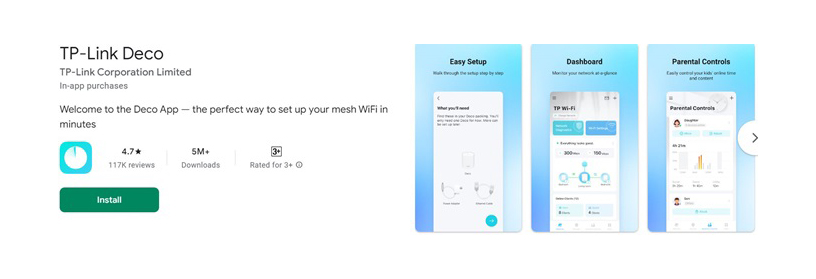
To set up the Deco app
Skip this step if you used the app to setup your modem when you first connected.
Now that your modem is linked to the app you can change your Wi-Fi details.
Open the app and follow these steps:
Now you can connect your devices to your new Wi-Fi network


For independent complaint or pricing advice, UDL, Billy & Powerswitch can help.
Read our Residential Consumer Care policy on how we'll keep you safe and connected.